
Player profile
NanoClaw
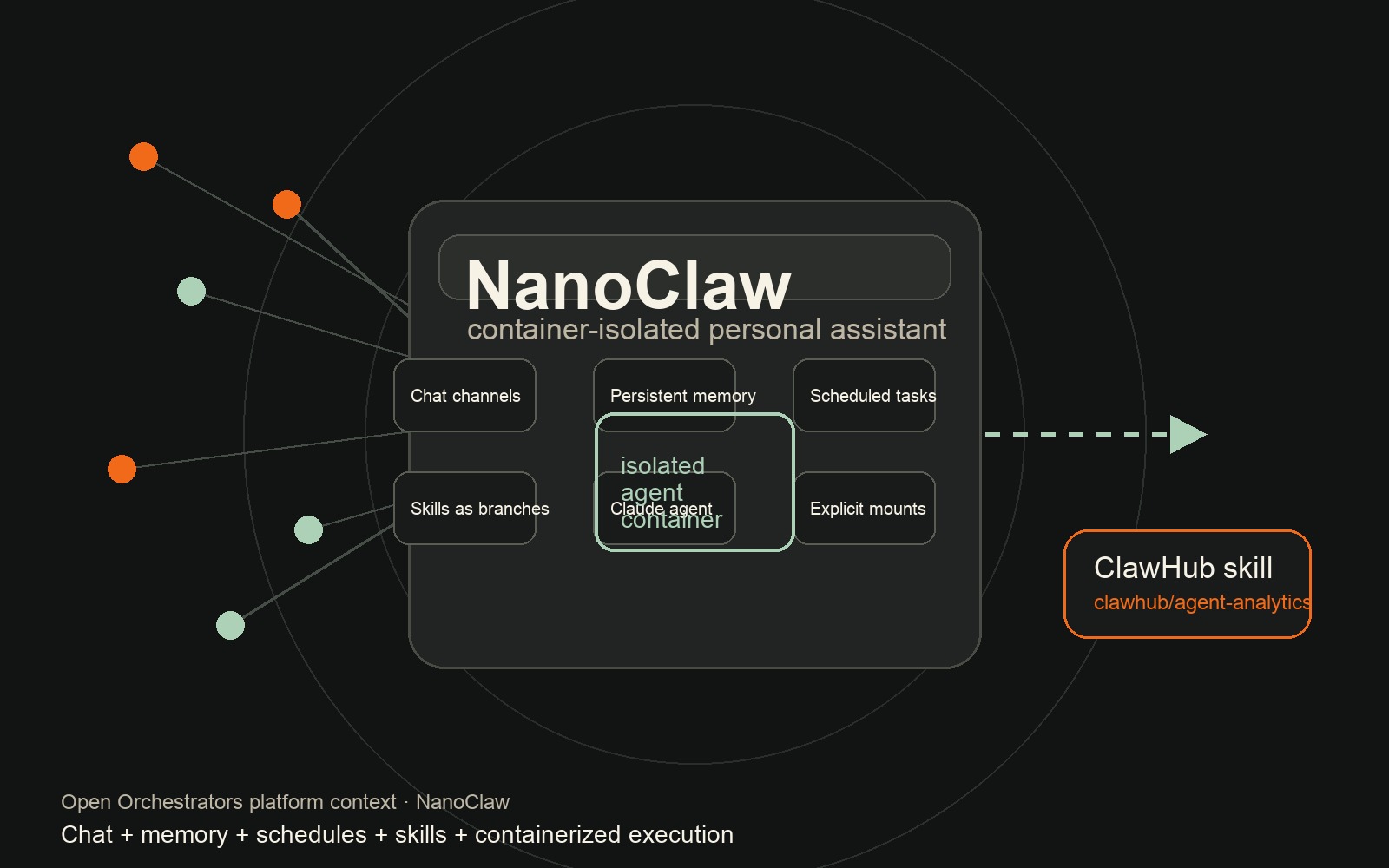
An MIT-licensed personal AI assistant that runs Claude agents in isolated containers, connects to chat channels, keeps memory, schedules work, and uses skills as git branches.
Profile
Where it fits
NanoClaw is a lightweight personal Claude assistant that runs agents in their own Linux containers, connects to Telegram, Discord, WhatsApp, Slack, Gmail, and local CLI channels, keeps persistent conversation memory, and supports scheduled tasks.
It belongs in Open Orchestrators because it takes the OpenClaw-style personal assistant shape and makes the control surface smaller, more inspectable, and more isolation-first: one process, explicit mounts, containerized agent execution, and skills distributed as git branches.
Builder web analytics
Use Agent Analytics from NanoClaw with the OpenClaw skill path
NanoClaw follows the same practical path as OpenClaw: install the Agent Analytics skill from ClawHub, let the assistant create or select the project, add tracking, verify events, and read analytics from the chat loop.
Use the canonical ClawHub skill, `clawhub/agent-analytics`, rather than a NanoClaw-specific integration. Agent Analytics measures the website, docs, app, or funnel outcomes; it does not replace NanoClaw memory, container logs, chat history, or execution isolation.
First loop to measure
- install `clawhub/agent-analytics` in NanoClaw through the same ClawHub skill workflow used for OpenClaw
- NanoClaw uses the skill to approve login, create or select the Agent Analytics project, add the tracker, and verify the first useful event
- the changed surface reports visits, sources, CTA clicks, signup, activation, retention, or task-completion events to Agent Analytics
- a scheduled or chat-driven NanoClaw task fetches the Agent Analytics results and reports what moved users toward value
Copyable prompt
Install the Agent Analytics skill for me from ClawHub. Use `clawhub/agent-analytics`, install the regular Agent Analytics skill, and tell me when it is ready to use. Then set up Agent Analytics for this project: create or select the project, add tracking, verify the first useful event arrives, and fetch the last 7 days of visits, sources, CTA clicks, signup, activation, and retention signals.Related